
User Guide
Admin
Workspace administration for team access, roles, technical controls, and security posture.
Hands-on workflow
- 1
Use Team to add users directly or invite them by email.
- 2
Assign the least-privileged role that supports the user workflow.
- 3
Use Roles to understand what each role can do.
- 4
Use Tech to review API key presence and technical access.
- 5
Use Security to review access posture and account controls.
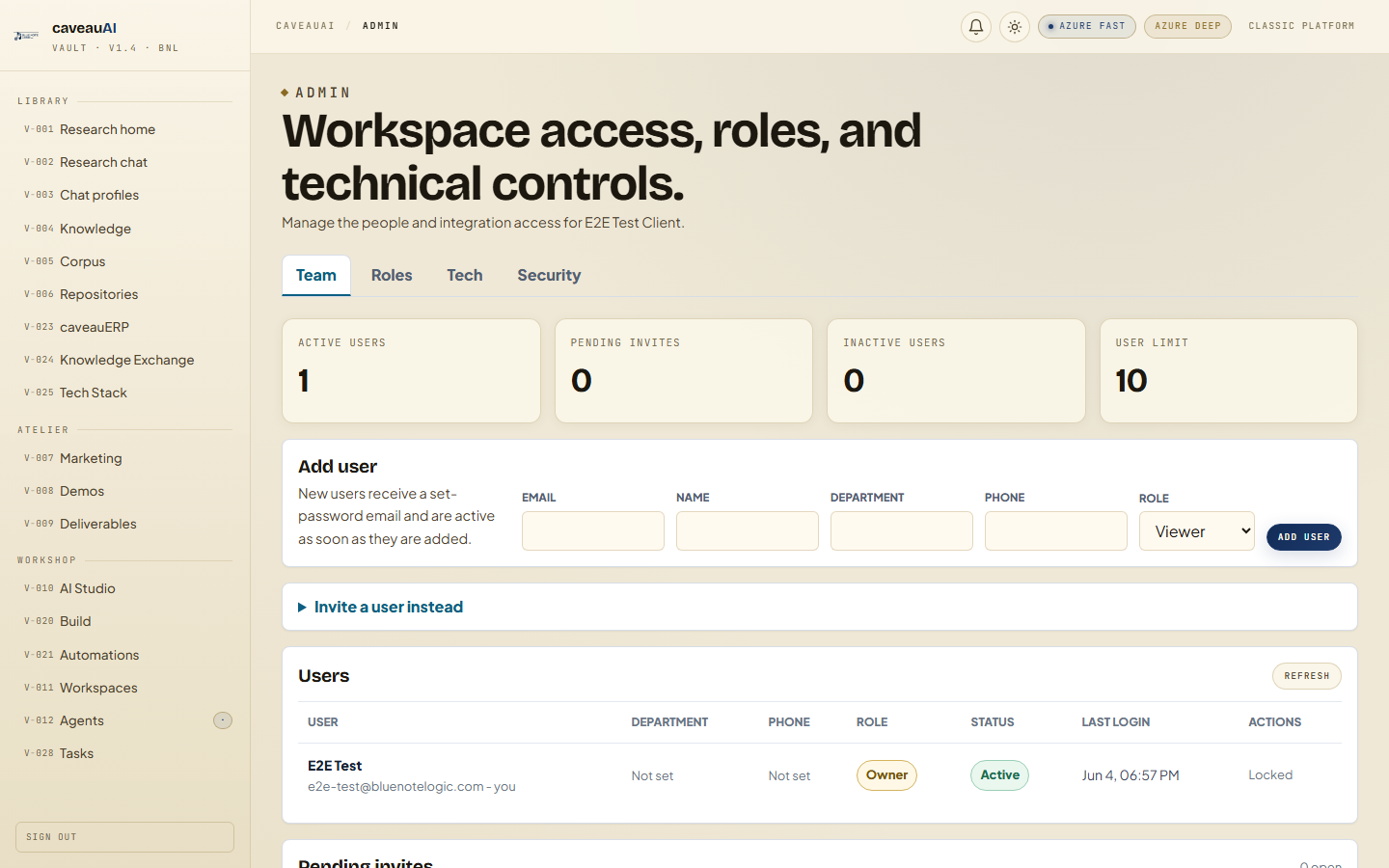
Tabs and sub-tabs
The page may expose these sub-areas. Use this list as the quick orientation map before writing internal SOPs.
TeamRolesTechSecurity
Tips and common mistakes
- Owners can assign the broadest role set; admins have narrower assignment rights.
- Deactivate users before deleting them if you need a reversible pause.
- Use separate tech accounts for integrations where possible.