
User Guide
Agents
A builder and monitor for AI agents that combine model instructions with callable tools and logged runs.
Hands-on workflow
- 1
Create an agent with a plain name, model, system prompt, and selected tools.
- 2
Use the inline test panel before relying on the agent in production.
- 3
Use Tools to create or inspect the callable tools available to agents.
- 4
Review Activity for runs, tool calls, errors, and exportable logs.
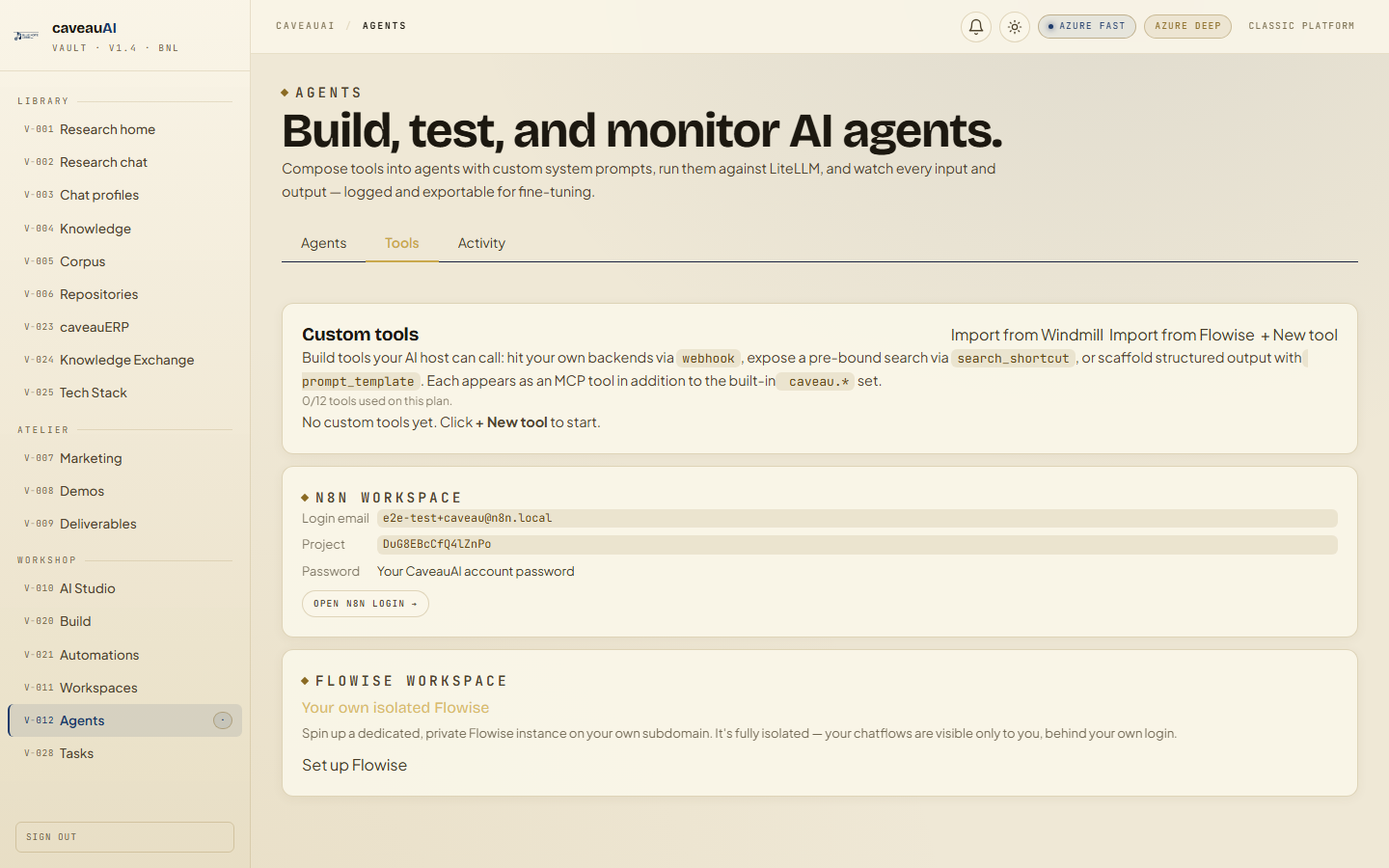
Tabs and sub-tabs
The page may expose these sub-areas. Use this list as the quick orientation map before writing internal SOPs.
AgentsToolsActivity
Tips and common mistakes
- Start with fewer tools so behavior is easier to debug.
- Use narrow system prompts that describe the agent responsibility clearly.
- Review failed runs before changing both prompt and tools at the same time.