
User Guide
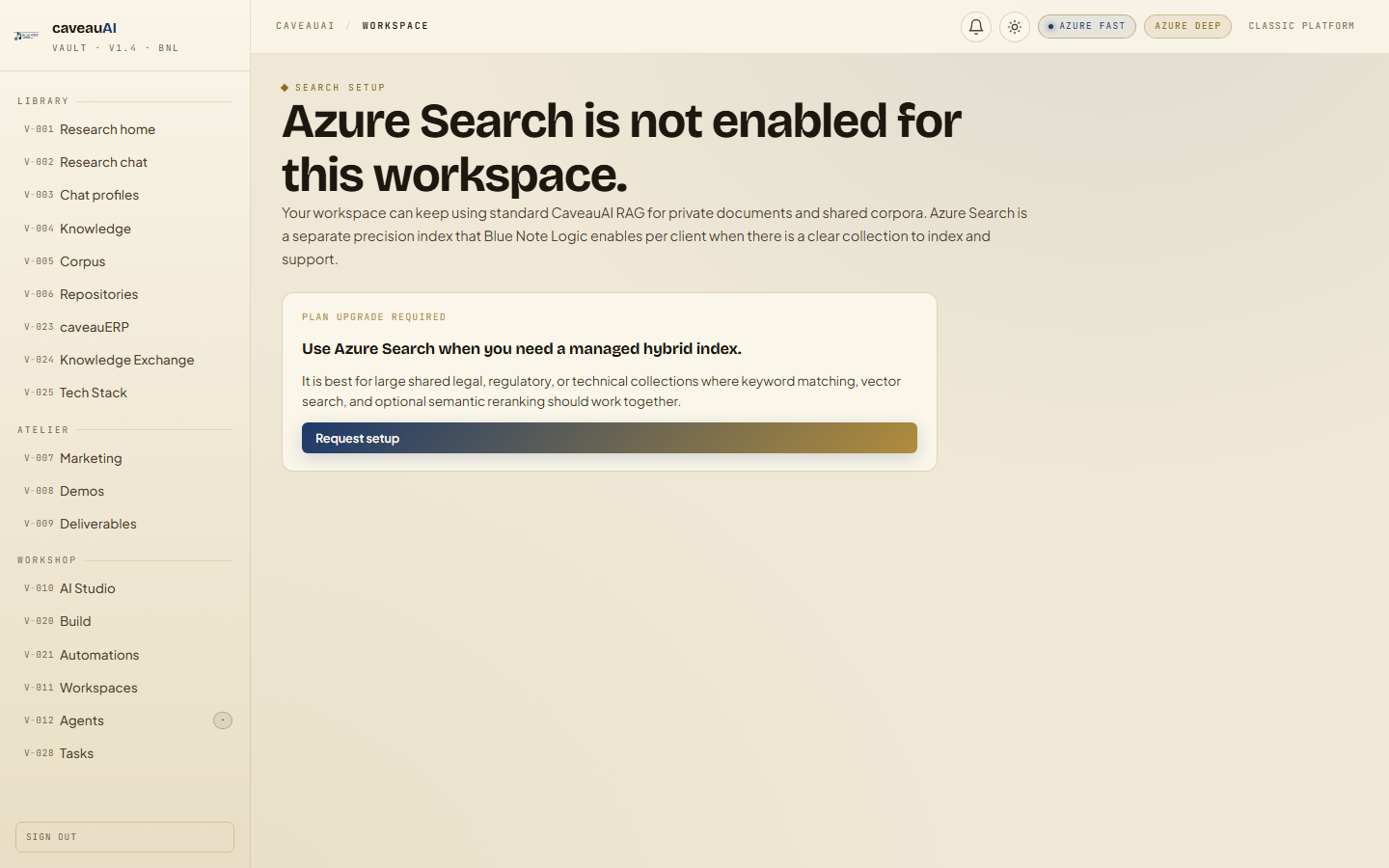
Azure Search
An optional hybrid search surface for curated corpora that need managed keyword, vector, and semantic reranking in Azure AI Search.
Hands-on workflow
- 1
Open Azure Search and choose an indexed package from the collection grid.
- 2
Start with one of the example queries or write your own search phrase.
- 3
Adjust result limit and semantic reranking based on how broad the query is.
- 4
Open source URLs from result cards when you need original context.
Tabs and sub-tabs
The page may expose these sub-areas. Use this list as the quick orientation map before writing internal SOPs.
Feature availabilityIndexed packagesQuery controlsSemantic rerankingResults and citations
Tips and common mistakes
- Use semantic reranking for natural-language research questions.
- Use standard RAG for private workspace documents unless BNL has indexed them for Azure.
- If no packages are visible, request setup rather than assuming the feature is broken.