
User Guide
Chat Profiles
Saved chat presets that define default model routing, source collections, research context, and repeatable answer behavior.
Hands-on workflow
- 1
Create a profile for each repeatable research mode.
- 2
Choose the default route and corpus settings based on expected risk.
- 3
Name profiles plainly so users understand when to select them.
- 4
Test profiles from Research Chat before recommending them to the team.
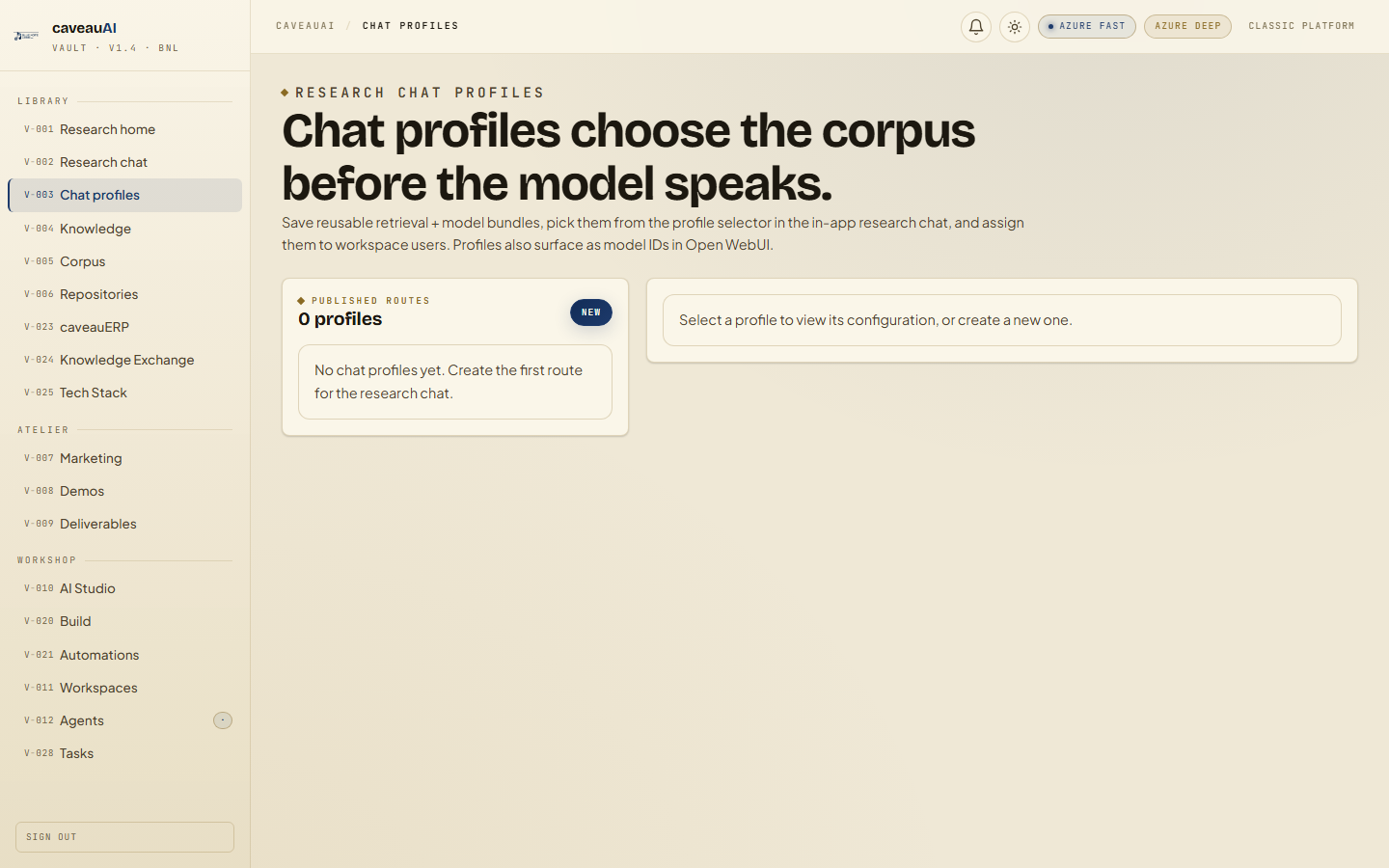
Tabs and sub-tabs
The page may expose these sub-areas. Use this list as the quick orientation map before writing internal SOPs.
Profile listProfile editorSource optionsGitea collectionsBYOK models
Tips and common mistakes
- Keep broad profiles few and memorable.
- Use source filters for specialist collections instead of relying on prompt wording alone.
- Review profiles after adding new Gitea or corpus sources.