
User Guide
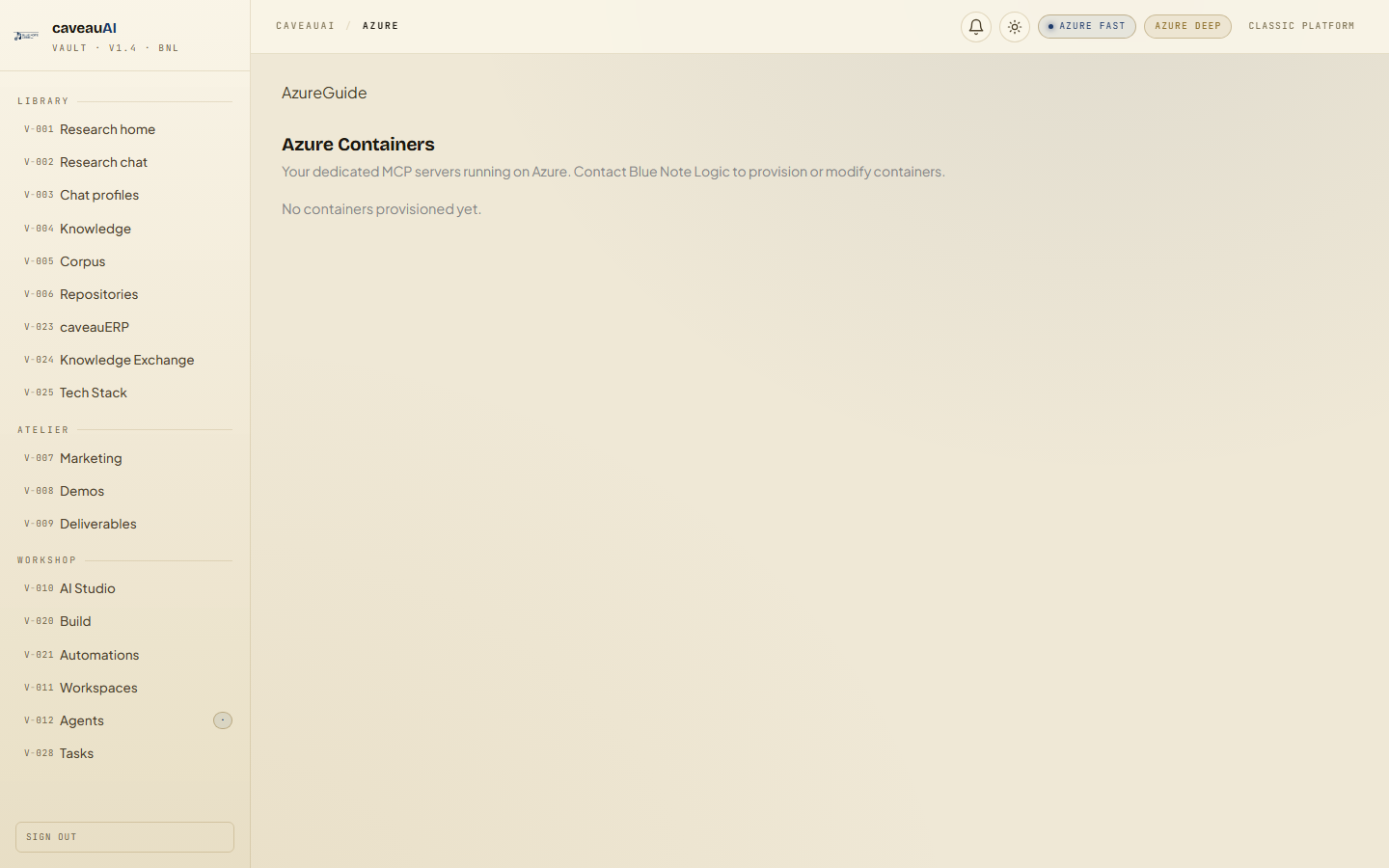
Azure Containers
Dedicated Azure-hosted MCP container management and connection guidance for clients that need private runtime endpoints.
Hands-on workflow
- 1
Open Azure to see provisioned MCP containers and status.
- 2
Copy the endpoint URL and Claude Desktop configuration from the connection pack.
- 3
Use the Guide tab for client setup and billing expectations.
- 4
Contact BNL to provision, stop, resize, bind tokens, or delete containers.
Tabs and sub-tabs
The page may expose these sub-areas. Use this list as the quick orientation map before writing internal SOPs.
AzureGuide
Tips and common mistakes
- Stopped containers should not accrue compute charges, but storage may remain.
- Use a dedicated MCP token per container when possible.
- ACI and ACA endpoints have different connection snippets.