
User Guide
Deliverables
Account-scoped downloads for Docker stacks, Postman collections, Azure bundles, virtual machine images, and other delivery handoffs.
Hands-on workflow
- 1
Open Deliverables and locate the package type you need.
- 2
Review license notes before redistributing or installing the package.
- 3
Copy the SHA256 checksum and compare it after download.
- 4
Open the README for setup steps before running a package.
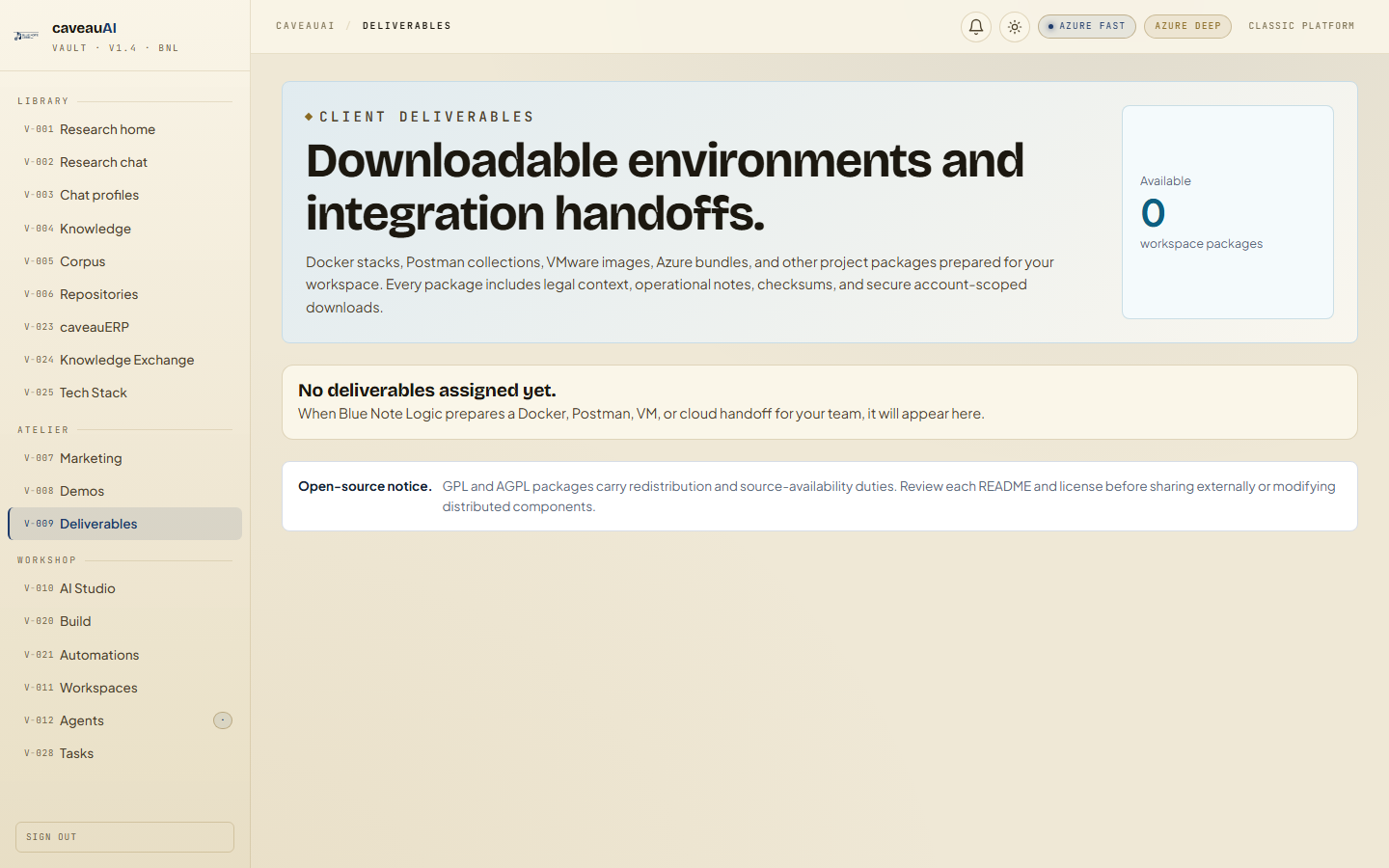
Tabs and sub-tabs
The page may expose these sub-areas. Use this list as the quick orientation map before writing internal SOPs.
Package cardsLicense notesChecksumsDownloadsREADME links
Tips and common mistakes
- A download pending state means BNL has assigned the record before attaching the file.
- Checksums are for integrity verification, not access control.
- Use README links for environment-specific setup details.