
User Guide
Demos
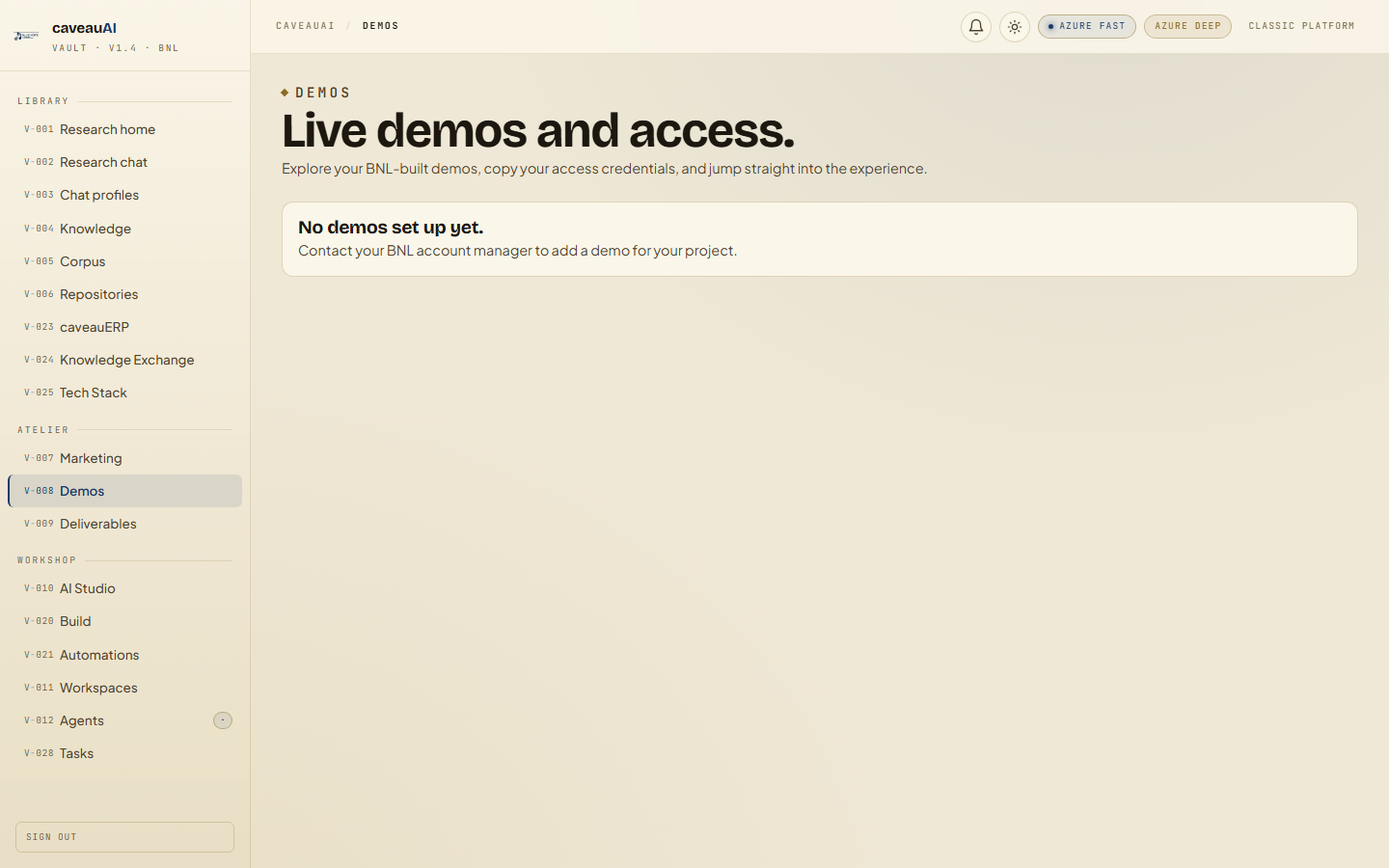
A workspace list of live demo environments, credential notes, detail pages, and launch links.
Hands-on workflow
- 1
Open Demos and choose the demo card you need.
- 2
Reveal and copy credentials only when you are about to use them.
- 3
Open View details for project-specific notes when available.
- 4
Use launch links to open the live demo in a new tab.
Tabs and sub-tabs
The page may expose these sub-areas. Use this list as the quick orientation map before writing internal SOPs.
Demo cardsAccess credentialsDetails pageLive launch linksSource repositories
Tips and common mistakes
- Never paste demo passwords into public documentation or tickets.
- If a credential fails, confirm whether the demo was rotated or retired.
- Use the details page for demos with special setup instructions.