
User Guide
Gitea Hub
A private code hub workflow for provisioning a client Gitea organization, importing GitHub repositories, and indexing code, issues, releases, and wikis into CaveauAI.
Hands-on workflow
- 1
Provision the hub when the workspace is eligible and configured.
- 2
Import a public GitHub URL or use a temporary PAT for private repositories.
- 3
Choose whether to migrate issues, pull requests, releases, and wiki pages.
- 4
Enable safe indexing on repositories that should become searchable.
- 5
Run Sync now to refresh a repository on demand.
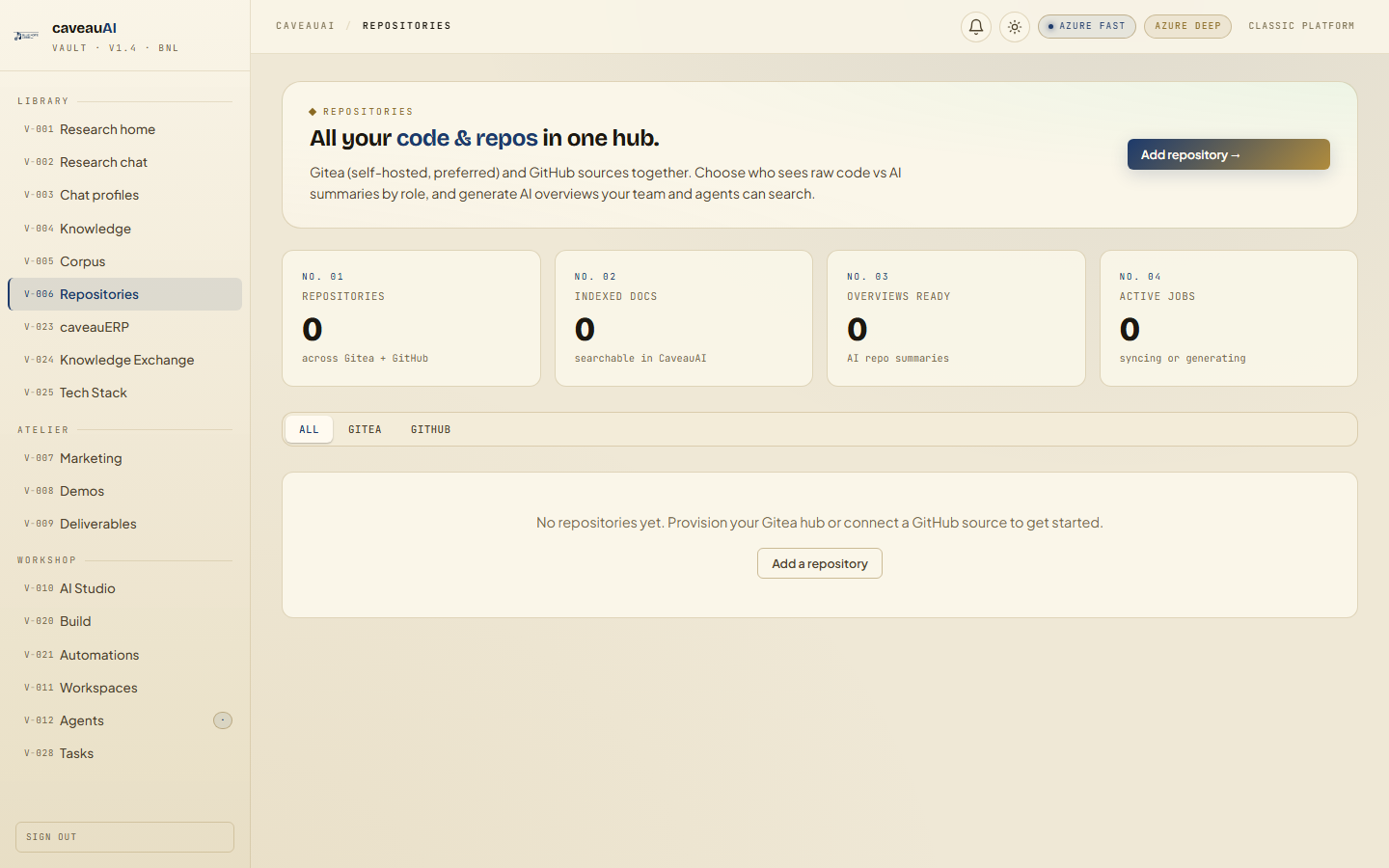
Tabs and sub-tabs
The page may expose these sub-areas. Use this list as the quick orientation map before writing internal SOPs.
Hub statusGitHub importRepository cardsRecent sync jobsGuide: Executive summaryGuide: Technical dive
Tips and common mistakes
- Private GitHub tokens are used for migration and should not be stored in docs or tickets.
- Index safely first; excluded file counts are expected.
- Use the recent jobs panel to understand slow or failed repository syncs.