
User Guide
Knowledge
A streamlined upload and source management area for adding material into the default workspace corpus.
Hands-on workflow
- 1
Open Knowledge when you want the fastest route to add documents.
- 2
Upload supported files or paste text into the save flow.
- 3
Set categories and metadata when the material needs filtering later.
- 4
Return to Corpus for foldering, audit, versions, or advanced source controls.
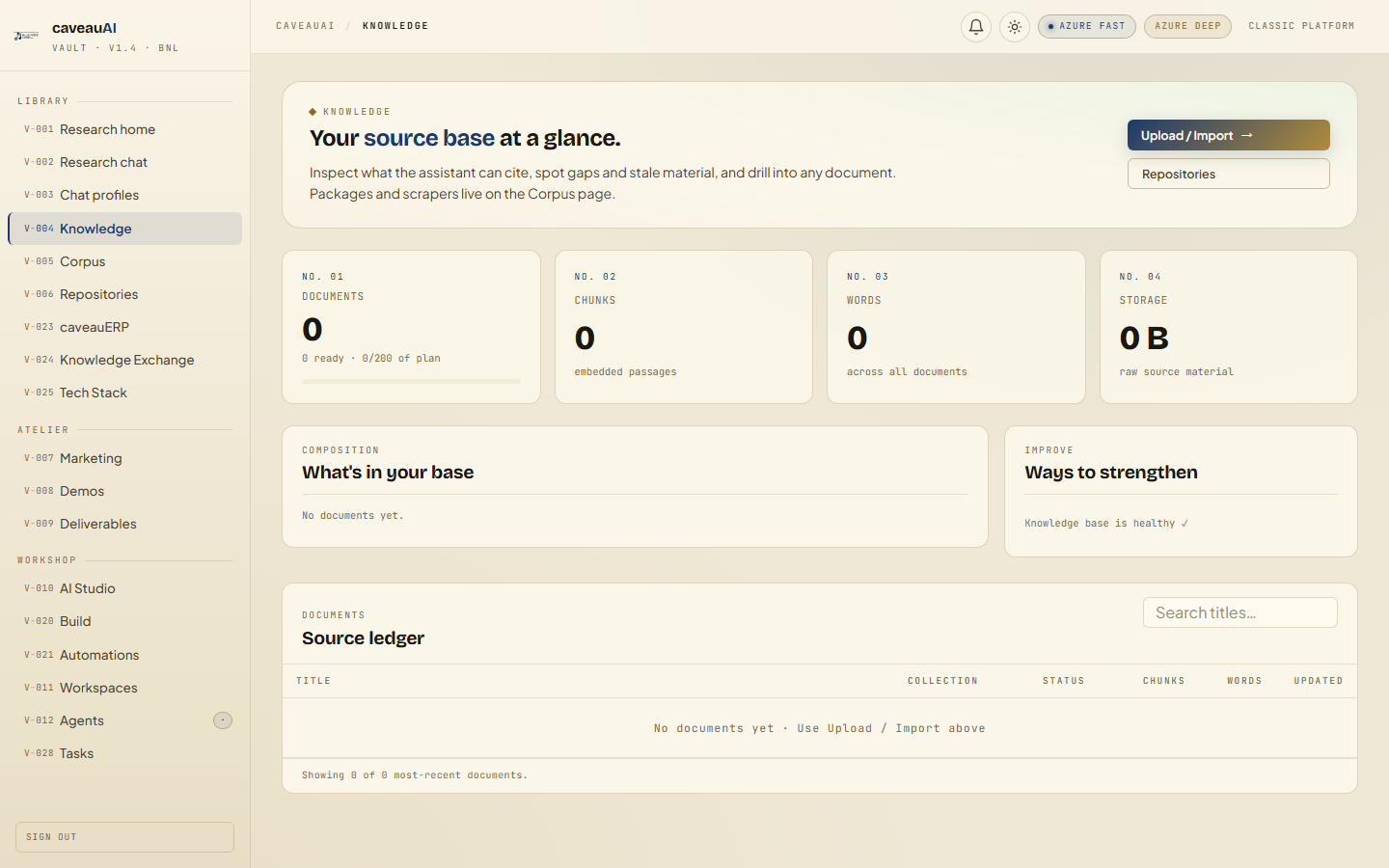
Tabs and sub-tabs
The page may expose these sub-areas. Use this list as the quick orientation map before writing internal SOPs.
Default corpusUpload modalSave to corpusDocument categories
Tips and common mistakes
- Use clear document titles before upload where possible.
- Choose categories consistently so Chat and MCP filters remain useful.
- Large files may appear before all passages are fully indexed.