
User Guide
Marketing
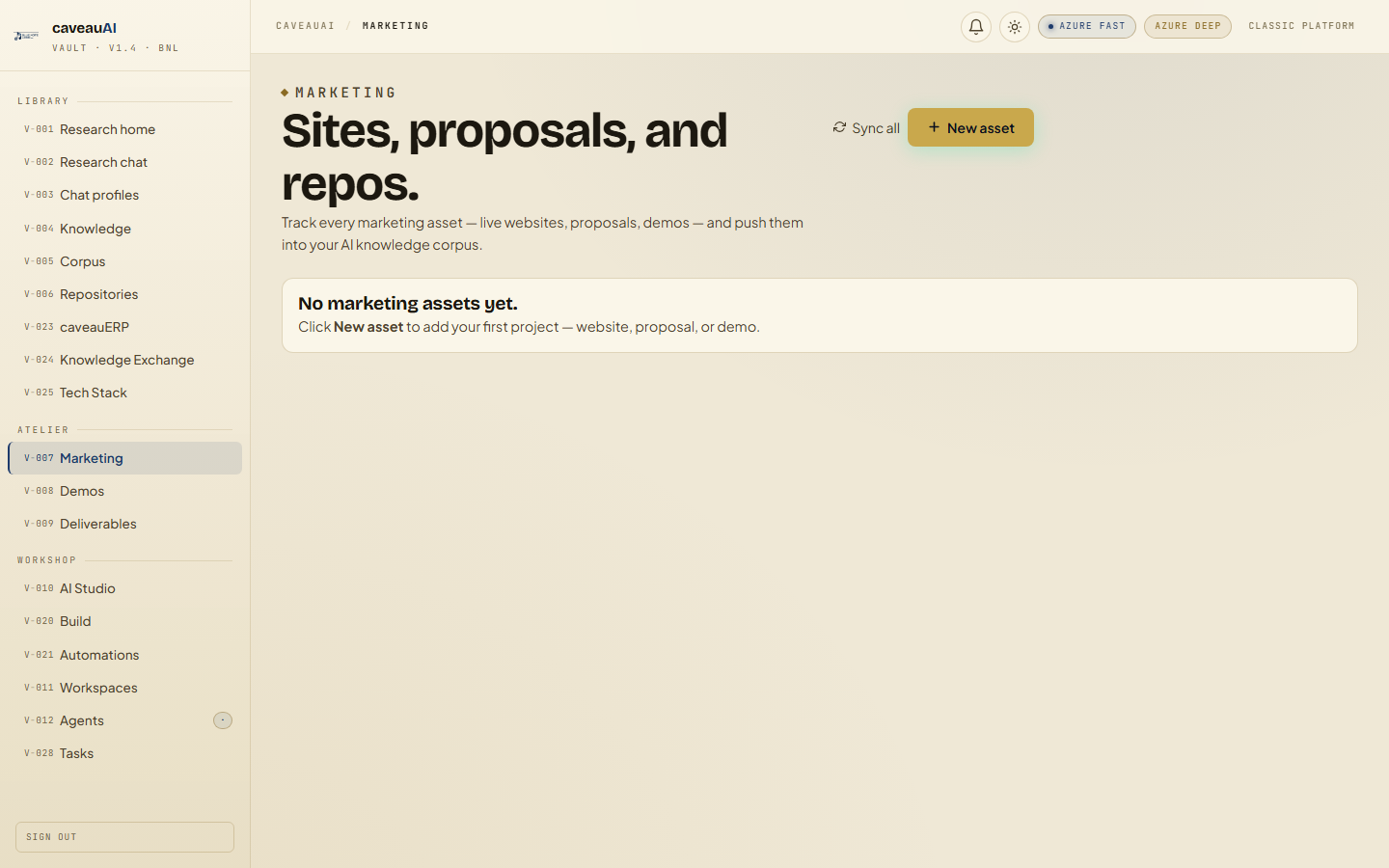
A client-facing inventory of live sites, proposals, portals, reports, demos, and linked source repositories prepared by Blue Note Logic.
Hands-on workflow
- 1
Open Marketing to review all assigned assets.
- 2
Use primary buttons for current live destinations.
- 3
Open linked proposal or repository resources when reviewing delivery status.
- 4
Ask BNL to add missing projects or mark drafts correctly.
Tabs and sub-tabs
The page may expose these sub-areas. Use this list as the quick orientation map before writing internal SOPs.
Asset cardsLive sitesProposal sitesGitea linksDesign system detail
Tips and common mistakes
- Draft badges indicate assets that are not final client-facing links.
- Marketing is link inventory, not a CMS editor.
- Use Demos for access credentials and launch-specific notes.