
User Guide
Providers
Bring-your-own-key provider management for external model providers and model availability inside CaveauAI.
Hands-on workflow
- 1
Add a provider with a clear display name, provider type, API key, and optional base URL.
- 2
Load provider models and enable only the models the team should use.
- 3
Monitor provider usage and disable models that should no longer be available.
- 4
Test BYOK behavior from Research Chat.
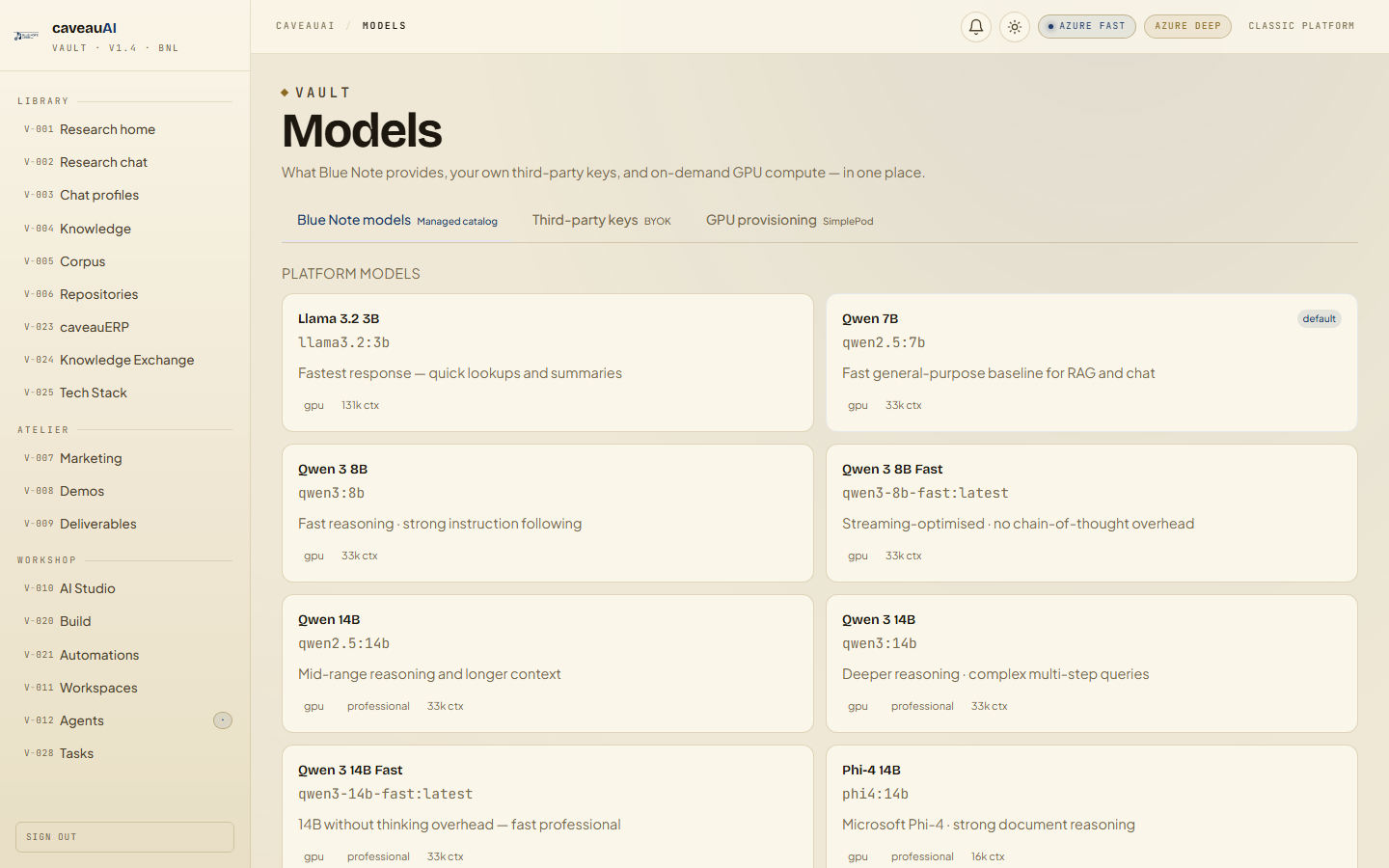
Tabs and sub-tabs
The page may expose these sub-areas. Use this list as the quick orientation map before writing internal SOPs.
Provider listAdd providerModel togglesUsage
Tips and common mistakes
- Rotate provider keys from the provider console and then update CaveauAI.
- Use provider display names that identify the contract or environment.
- Do not use BYOK when you need default corpus grounding unless the workflow explicitly supports it.