
User Guide
Workspaces
A bridge to mature long-running analysis workflows while native saved analysis is added to the React workplace.
Hands-on workflow
- 1
Use Open Playground to resume saved sessions and tune parameters.
- 2
Use Review jobs to inspect extraction, ingestion, and other background work.
- 3
Return to Research Chat for the newer day-to-day experience.
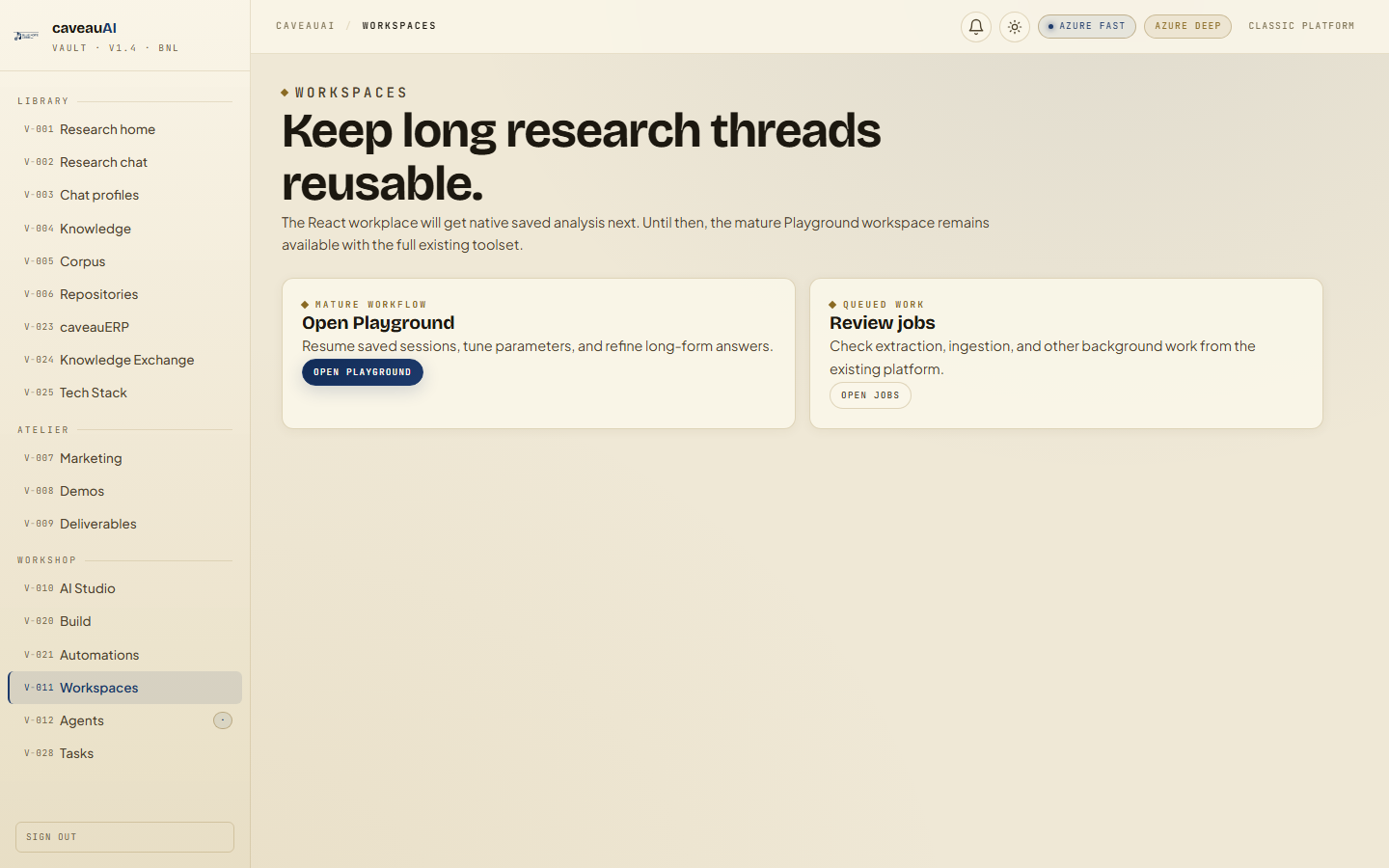
Tabs and sub-tabs
The page may expose these sub-areas. Use this list as the quick orientation map before writing internal SOPs.
Open PlaygroundReview jobs
Tips and common mistakes
- This page is intentionally light while native saved analysis is still being built.
- Classic platform links may use older UI conventions.