
Pipeline — Step 3
Vector similarity for meaning. Keyword matching for precision. Metadata filters for scope. Three search strategies fused into a single query — in under 100 milliseconds.
Three Modes
Finds passages by meaning, not keywords. "Custody rights when parents disagree" retrieves passages about barneloven § 36 — even though those exact words don't appear in your query.
cosine similarity • 768d • HNSW index
BM25 ranking finds exact terms and legal identifiers. When you search for "HR-2024-00412" or "Article 8 ECHR", keyword matching delivers the exact reference.
BM25 • exact match • term frequency
Runs both searches in parallel. Results are fused using reciprocal rank fusion and re-ranked for maximum relevance. The best of both worlds, every time.
vector + BM25 • RRF fusion • re-ranking
The Playground
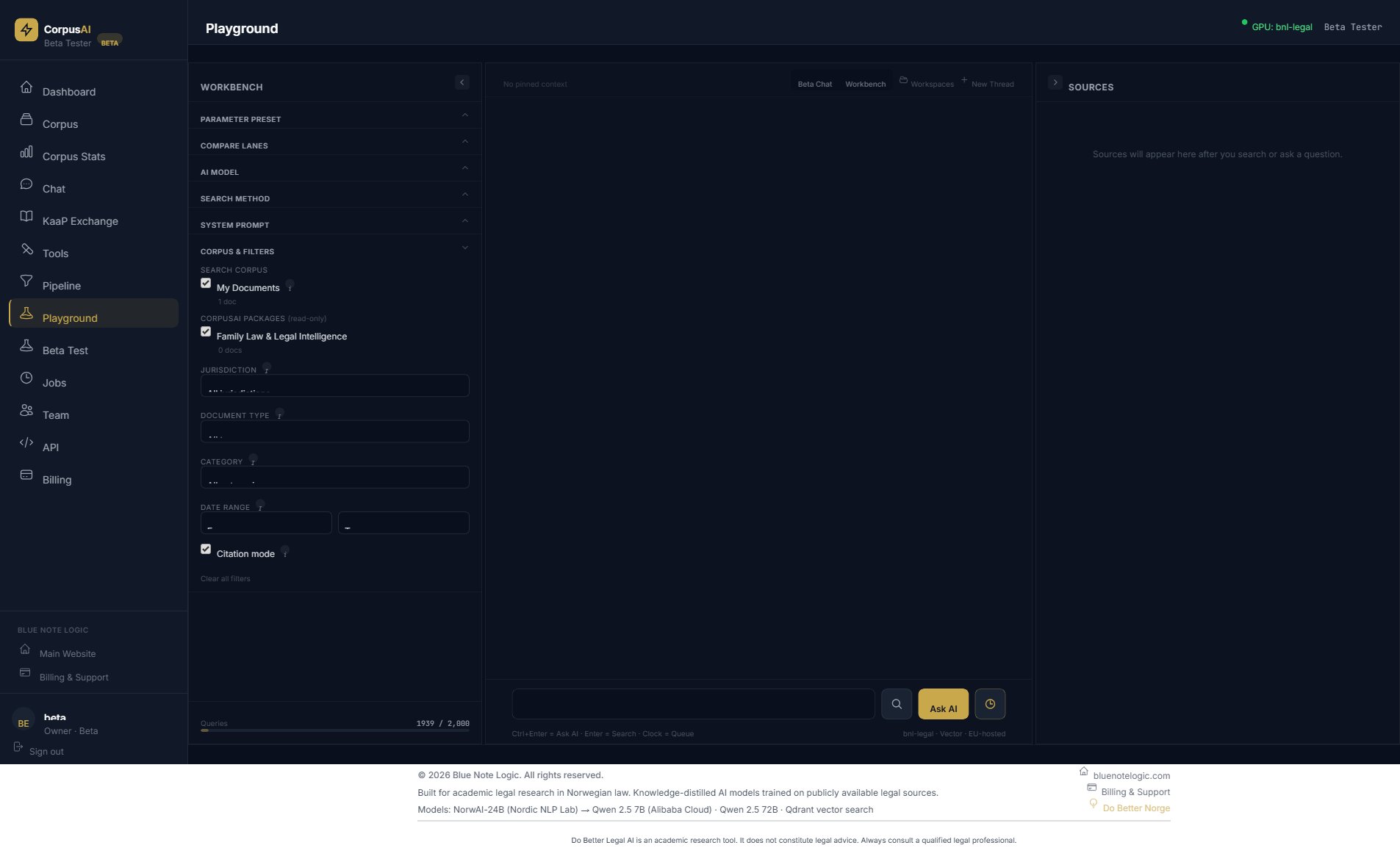
The CorpusAI Playground gives you full control over search. Choose your corpus, set metadata filters, select your search method, and toggle citation mode.
Beta Testing
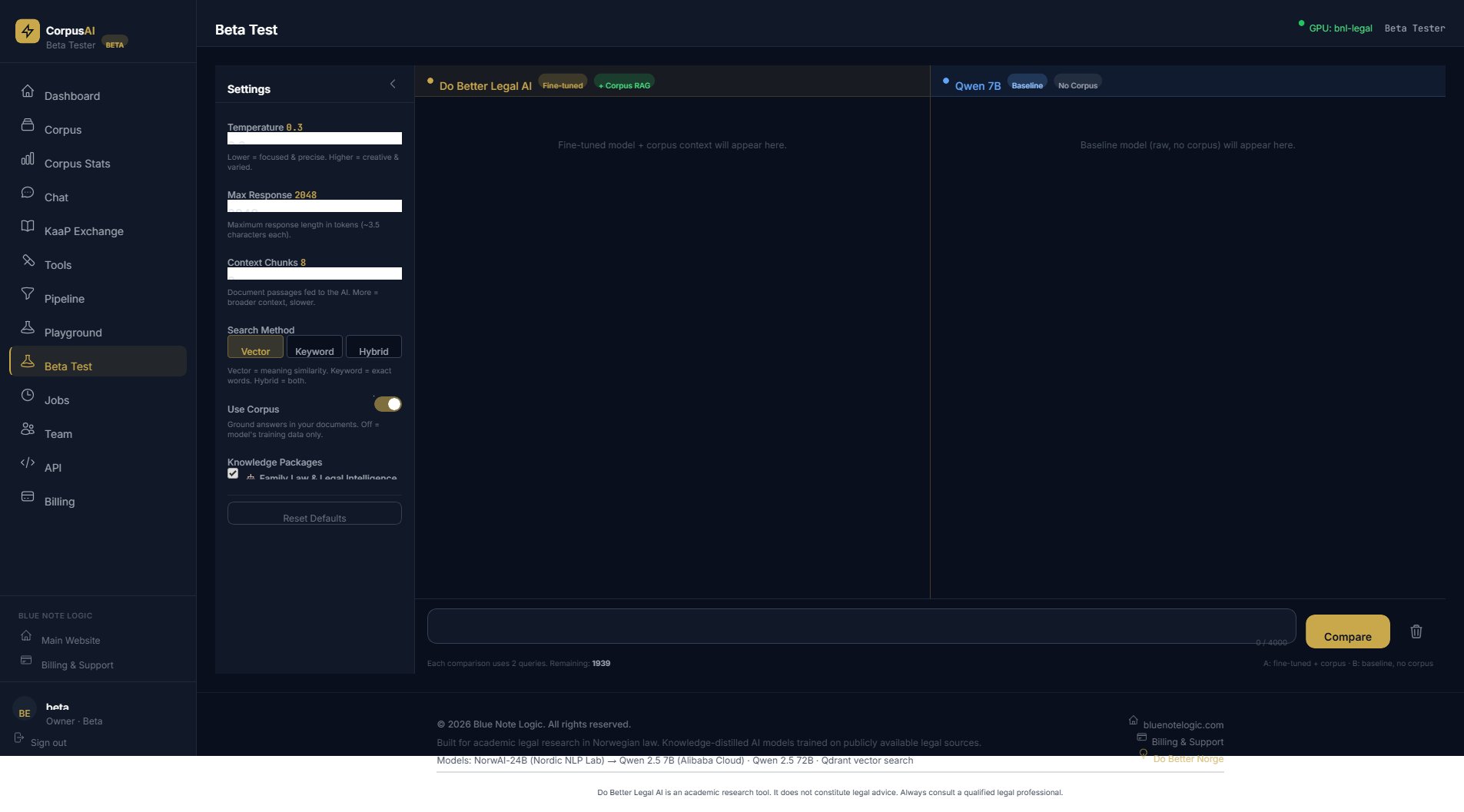
The Beta Test interface lets you run the same query against your fine-tuned model with corpus RAG and a baseline model without it. See the difference corpus grounding makes, in real time.
Toggle between Vector, Keyword, and Hybrid search to understand which approach works best for your domain. Adjust temperature, context chunks, and response length to find your sweet spot.
This is how you validate that your AI gives the right answers — before you put it in front of your team.
A single query can search across your private documents and curated CorpusAI knowledge packages simultaneously. Ask about "GDPR implications of AI in healthcare" and get answers from your internal policies, the EU AI Act corpus, and GDPR regulations — all in one response.
Next in the Pipeline
The right passages are found. Now the LLM synthesizes them into a clear answer — with every claim linked back to the exact source.